Static Website Hosting with S3
Amazon S3 is the ideal hosting solution for static frontend React assets due to its high durability, availability, and low cost.
Step 1: Create an Amazon S3 Bucket
- Open the Amazon S3 service on the AWS Console.
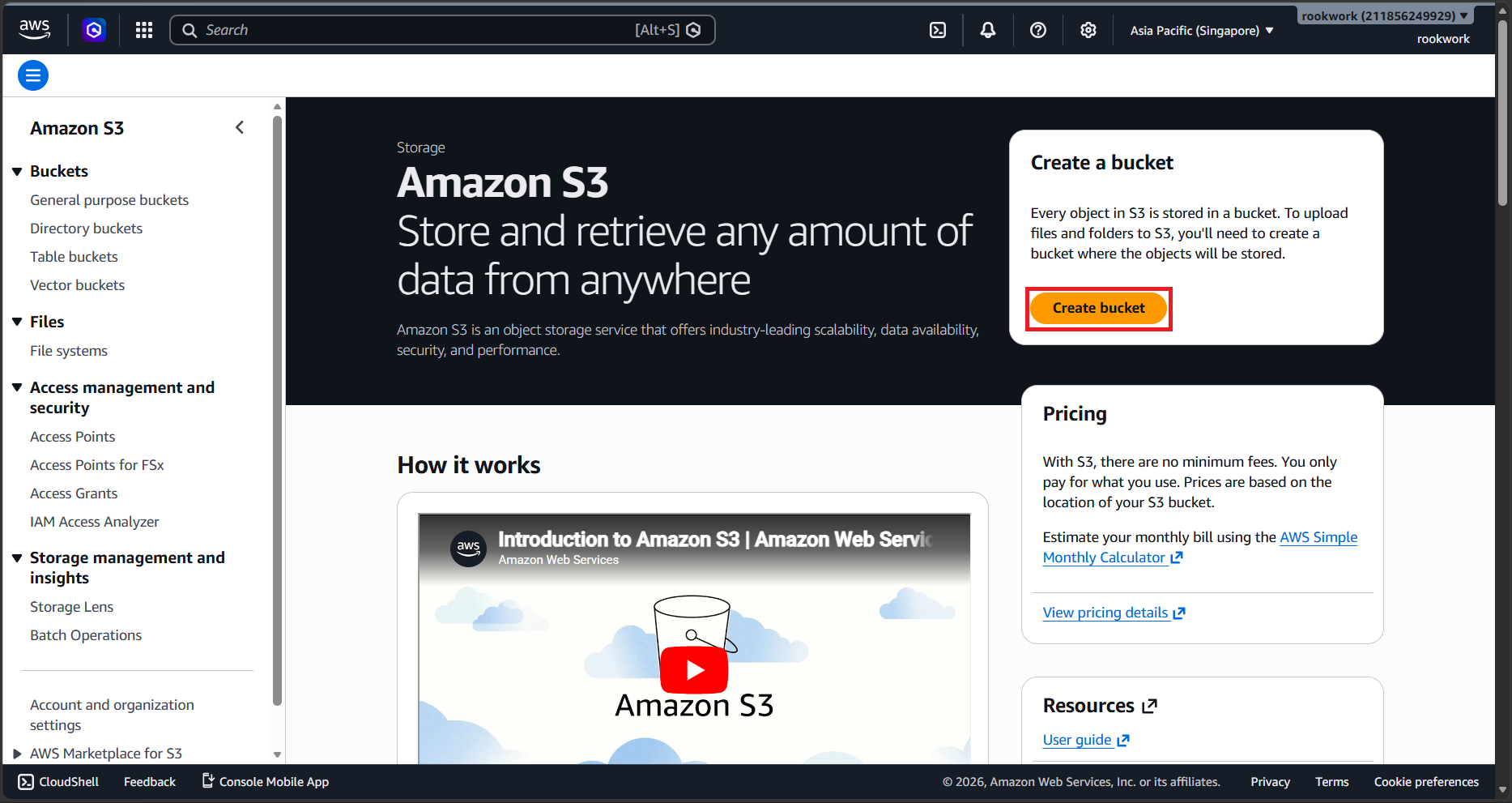
- Click Create bucket.
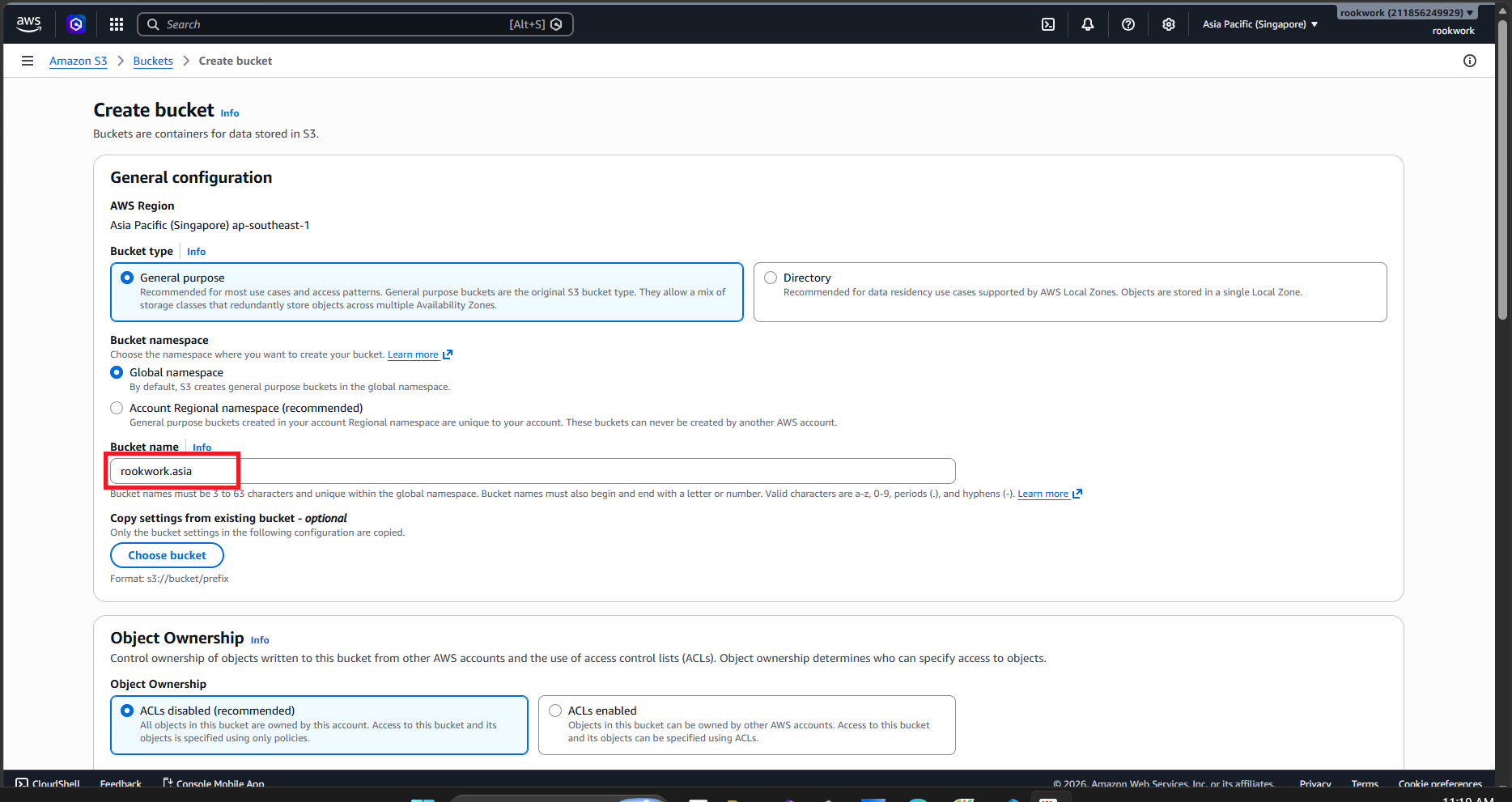
- Configure settings:
- Bucket name: Use your domain name (e.g.,
rookwork.asiaorwww.rookwork.asia) for easy tracking.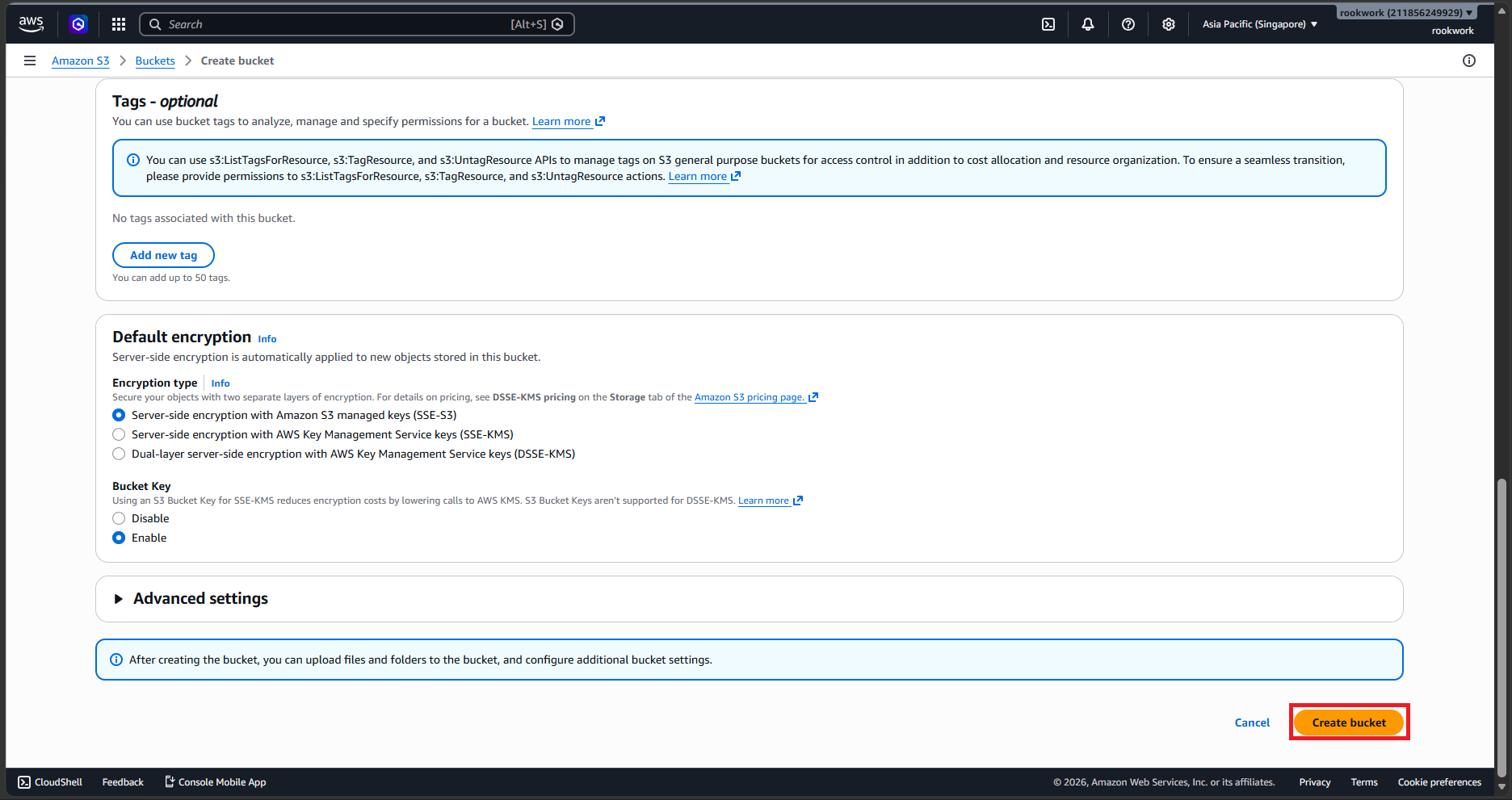
- AWS Region: Select your preferred region (e.g.,
ap-southeast-1Singapore).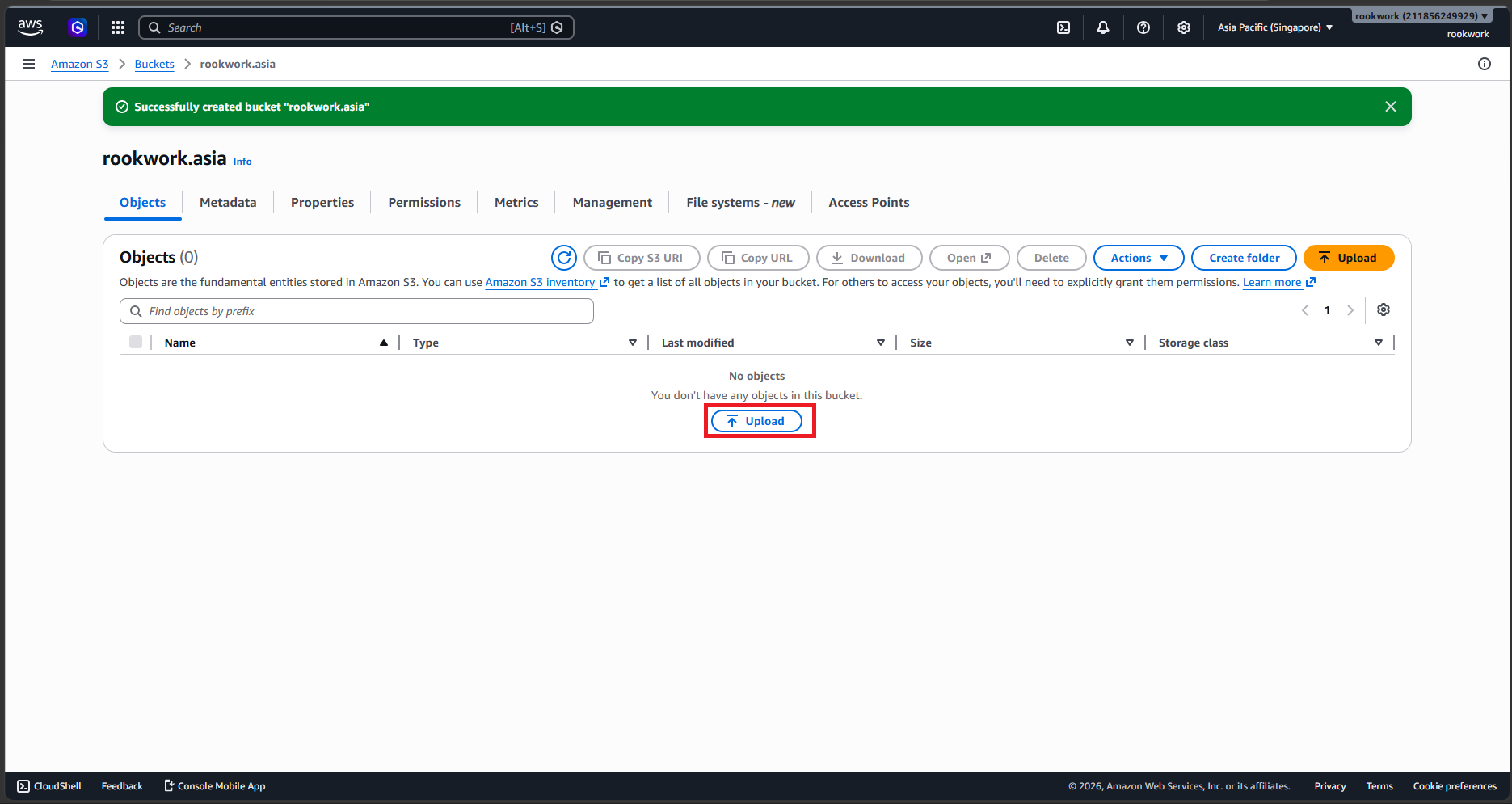
- Block Public Access settings: Select Block all public access (We keep the bucket private and only allow access through CloudFront Origin Access Control to maximize security).
- Bucket name: Use your domain name (e.g.,
- Click Create bucket at the bottom.
Step 2: Upload Frontend Assets to S3
- Open the bucket you just created.
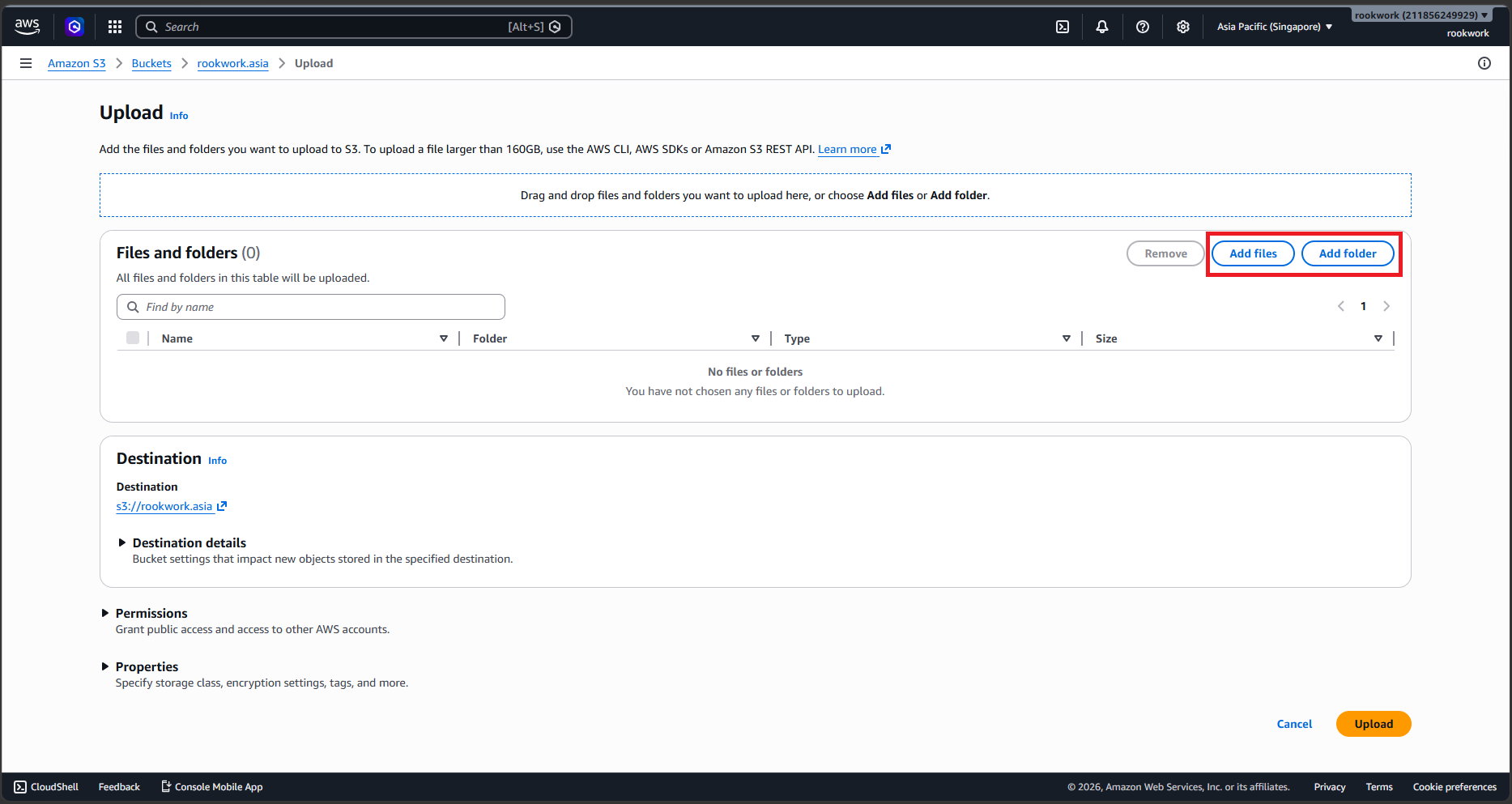
- Click Upload, then click Add folder or Add files.
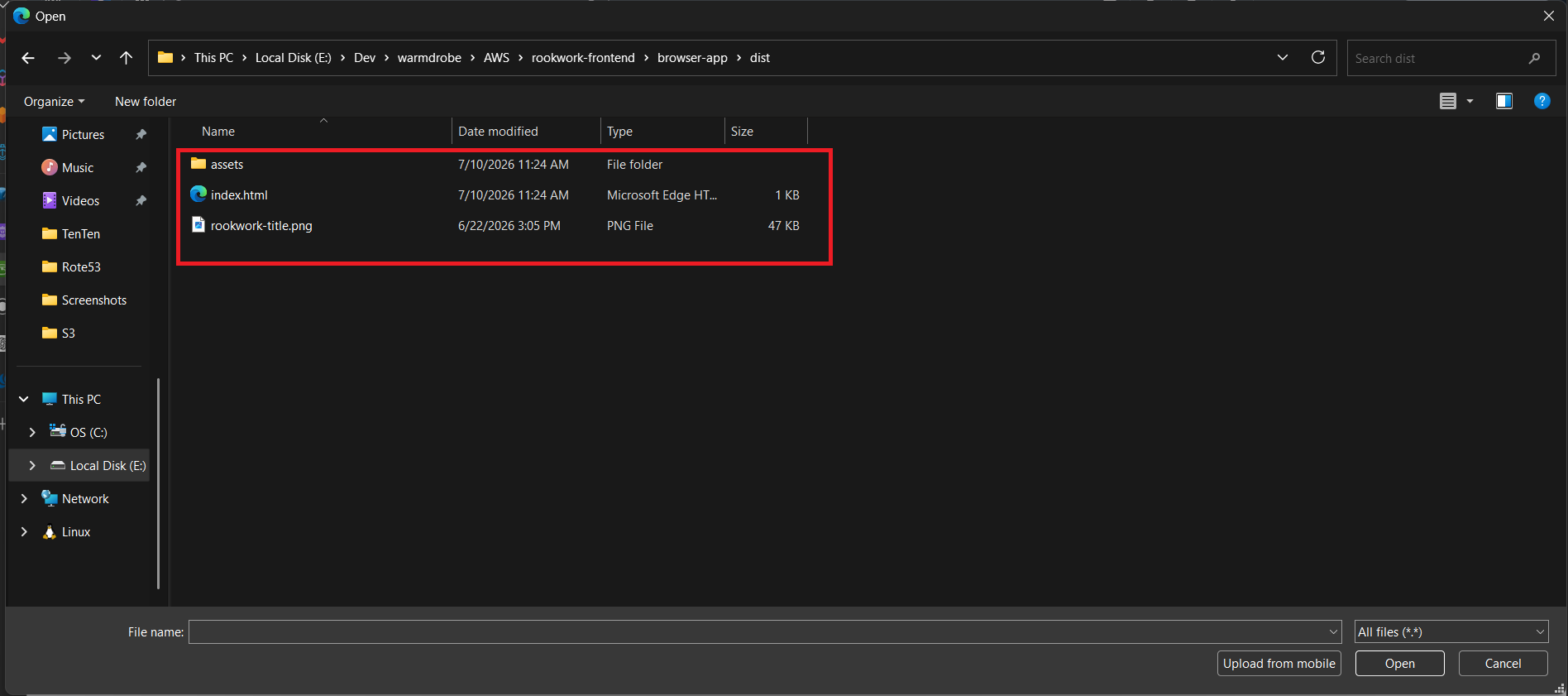
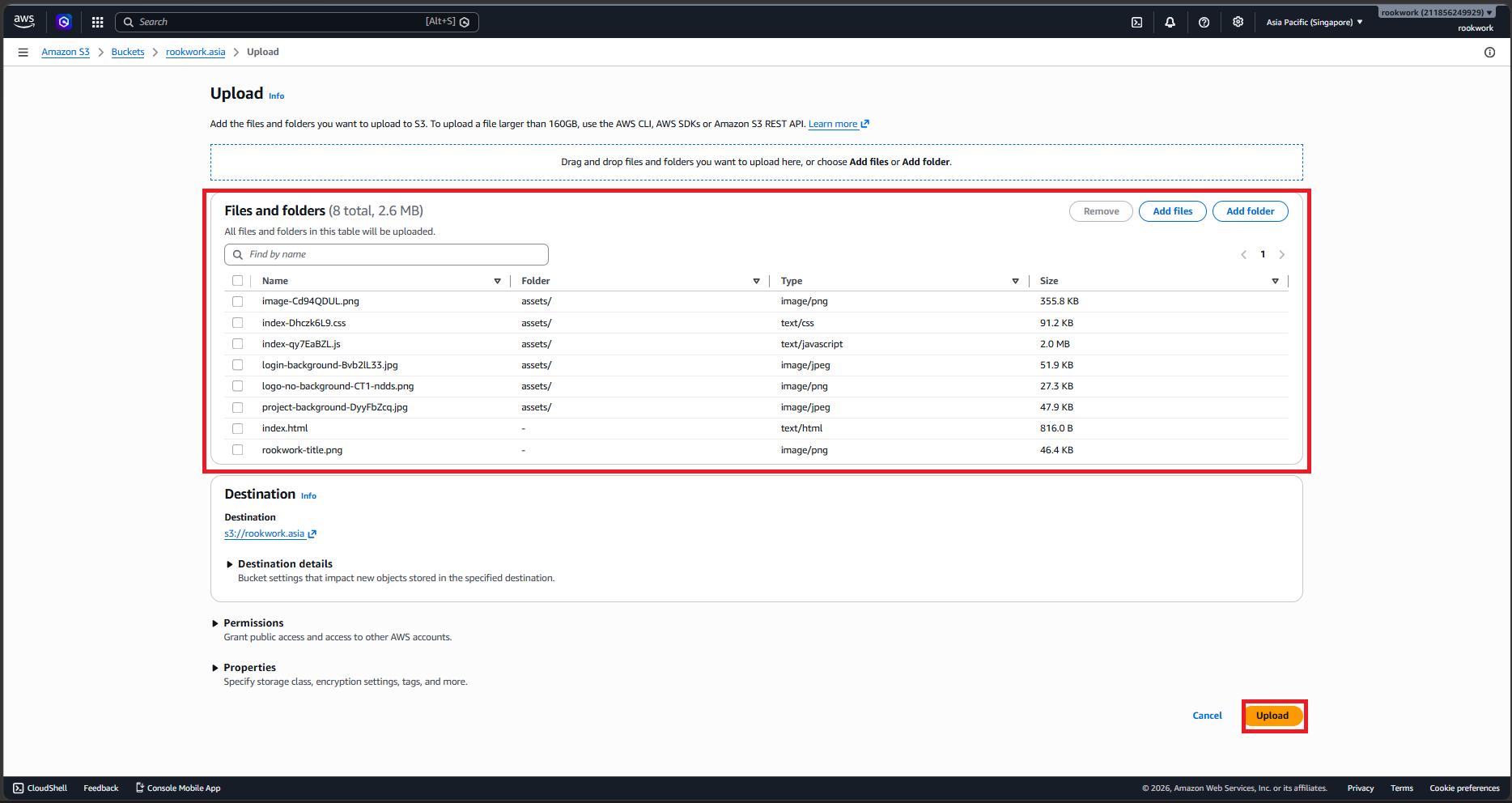
- Select all folders and files inside your local build directory
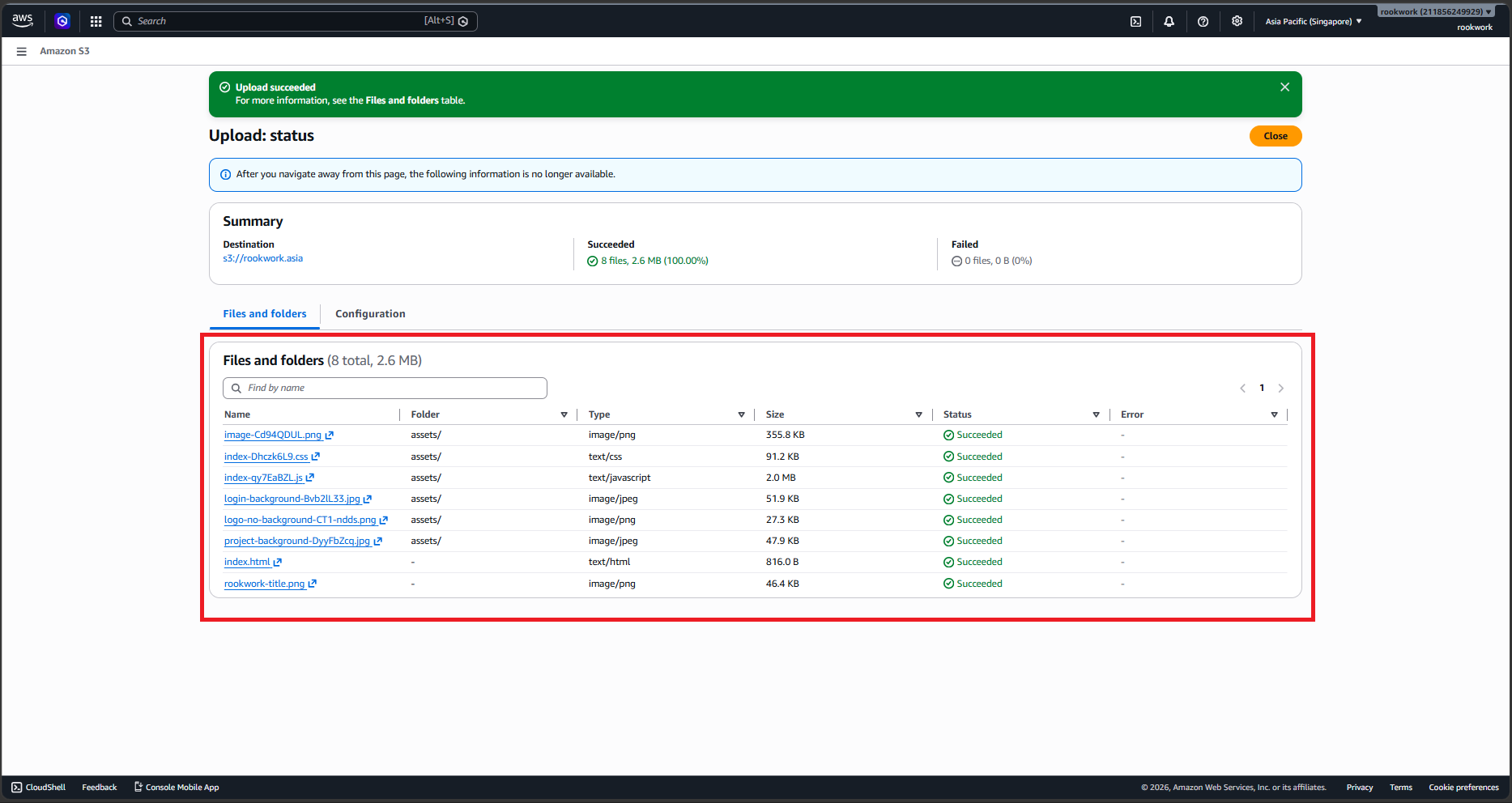
dist/(after building your React project) and select them. (Ensure theindex.htmlfile is placed directly at the bucket root directory). - Click Upload to complete the file upload process to S3.
After uploading Frontend assets to S3, proceed to 5.7.3. Secure Delivery via Amazon CloudFront & ACM to configure HTTPS delivery and CDN.